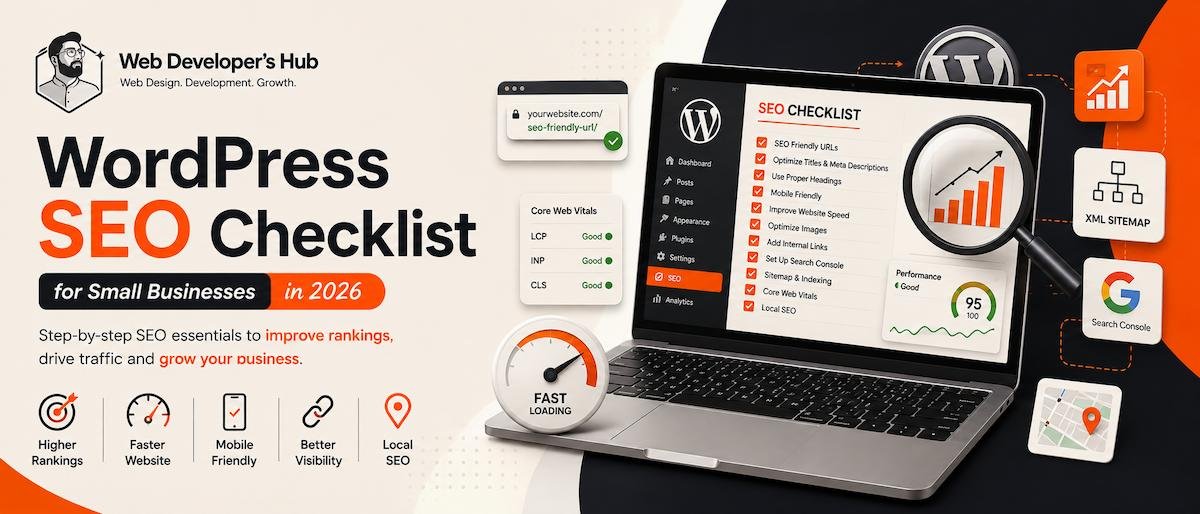
Getting a WordPress website online is only the first step. If customers can’t find it on Google, your website isn’t doing its full job. We have create a beginner level WordPress SEO Checklist for the New Small Business owners that can be easily managed.
A good WordPress SEO setup helps search engines understand your pages while making your website easier and more useful for visitors.
Here is a practical checklist for small businesses.
1. Use SEO-Friendly URLs
Keep URLs short, descriptive and relevant.
Good:
yourwebsite.com/website-design-services/
Avoid:
yourwebsite.com/page?id=123
2. Optimize Your Page Titles & Meta Descriptions
Every important page should have a unique title and meta description.
Include your main keyword naturally and make the title useful enough to encourage clicks.
For example:
Web Design & Development Services in Delhi NCR | Web Developer’s Hub
3. Use Proper Headings
Your page should have one clear H1 and logically structured H2 and H3 headings.
Don’t add headings just to make text look larger. Use them to organize the information.
4. Make Your Website Mobile-Friendly
Your website should work properly across smartphones, tablets and desktops.
Check:
- Navigation
- Buttons
- Forms
- Images
- Font sizes
- Page spacing
Mobile usability is essential for modern search and user experience.
5. Improve Website Speed
Slow websites can frustrate visitors.
Optimize:
Images + caching + plugins + JavaScript + hosting
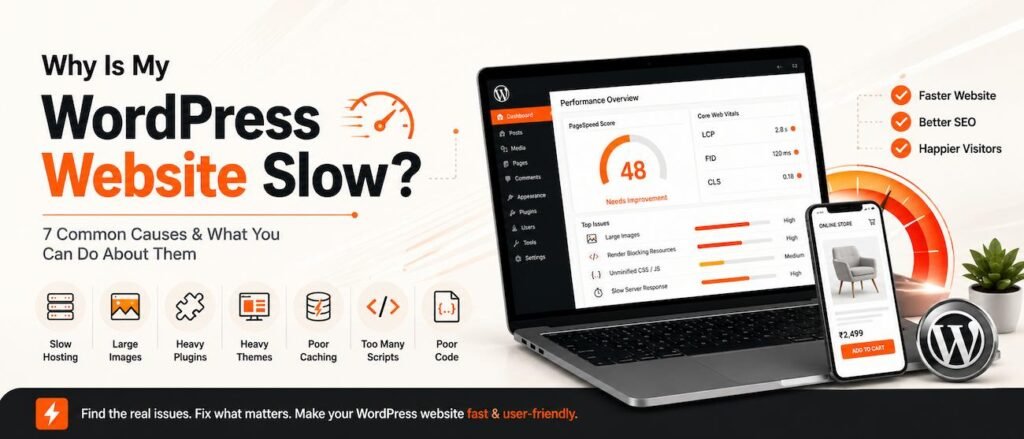
For detailed troubleshooting, read our WordPress website speed guide.
You can also explore our WordPress Performance Optimisation service.
6. Create Useful, Original Content
Don’t write content only because a keyword has search volume.
Create pages and articles that genuinely answer questions your customers have.
For example:
What should a dental clinic website include?
is more useful for a web developer than a generic article about “What is HTML?”
7. Add Internal Links
Connect related pages together.
For example:
Web Design → WordPress → Performance → SEO → E-commerce
Internal linking helps visitors discover related content and helps search engines understand your site’s structure.
Our Web Design & Development service is a natural destination from this article.
8. Optimize Your Images
Use descriptive filenames and appropriate alt text.
Instead of:
IMG_1234.jpg
use:
wordpress-web-design-delhi.jpg
Compress images and use modern formats such as WebP where appropriate.
9. Set Up Google Search Console
Search Console helps you monitor:
- Indexing
- Search queries
- Clicks
- Impressions
- Ranking pages
- Technical problems
It’s one of the most useful free tools for monitoring organic search.
10. Check Your Sitemap & Indexing
Make sure important pages can be crawled and indexed.
Check:
XML sitemap
robots.txt
noindex settings
canonical URLs
A beautiful website won’t generate search traffic if Google cannot properly access its important pages.
11. Improve Core Web Vitals
Performance should be part of your SEO checklist, not an afterthought.
Focus on:
- LCP — loading performance
- INP — interaction responsiveness
- CLS — visual stability
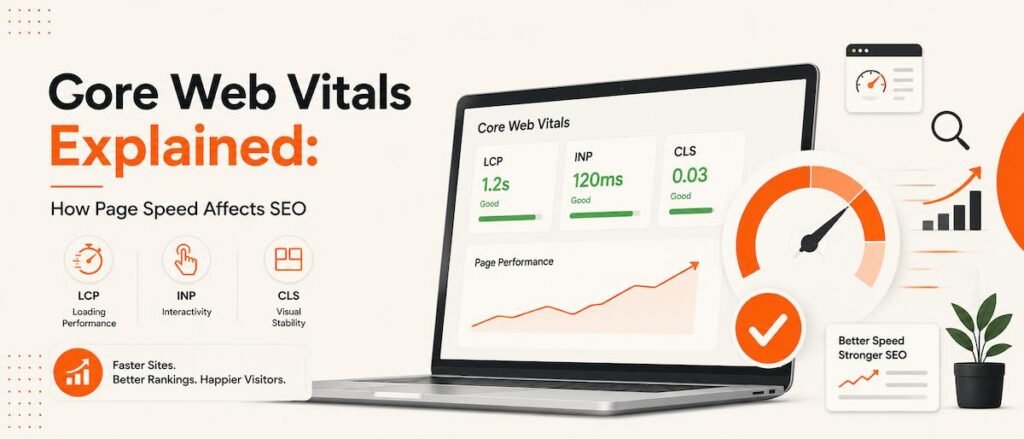
Learn More about core web vitals on our Core Web Vitals Explained: How Page Speed Affects SEO
For more detail, see our WordPress Performance Optimisation service.
12. Don’t Forget Local SEO
For a local business, optimize for the locations you genuinely serve.
Keep your:
Business name + contact details + location information
consistent across your website and Google Business Profile.
Avoid creating dozens of nearly identical city pages simply to target keywords.
Quick WordPress SEO Checklist
Before publishing a page, check:
☐ One clear primary keyword
☐ Useful title tag
☐ Unique meta description
☐ One H1
☐ Logical headings
☐ Mobile-friendly design
☐ Fast loading
☐ Optimized images
☐ Internal links
☐ Descriptive alt text
☐ Indexable page
☐ Relevant schema where appropriate
☐ Search Console configured
Need Help With WordPress SEO?
SEO works best when it is considered during website design and development, not added after everything is finished.
At Web Developer’s Hub, I combine WordPress development, technical SEO, responsive design and performance optimization to build websites that are ready for both users and search engines.
Explore Web Design & Development Services →
FAQs
Does WordPress help with SEO?
Yes. WordPress provides a strong foundation, but rankings still depend on technical SEO, content quality, performance, relevance and authority.
Do I need an SEO plugin?
An SEO plugin can make many settings easier to manage, but installing one alone will not optimize your website.
How long does WordPress SEO take to work?
SEO is not instant. Technical improvements can sometimes produce changes relatively quickly, while competitive keywords and new content generally require longer-term work.
Can a slow WordPress website hurt SEO?
Poor performance can affect user experience and page experience, so speed should be part of a complete SEO strategy.
Should SEO be done before or after website development?
Ideally, SEO should be considered from the beginning so the website architecture, content structure, URLs, performance and indexability are built correctly.