A slow website can quietly cost a business enquiries, sales and search visibility. Visitors expect pages to load quickly on mobile networks as well as desktop connections. If your WordPress website takes too long to become usable, people may leave before they see your services or contact details.
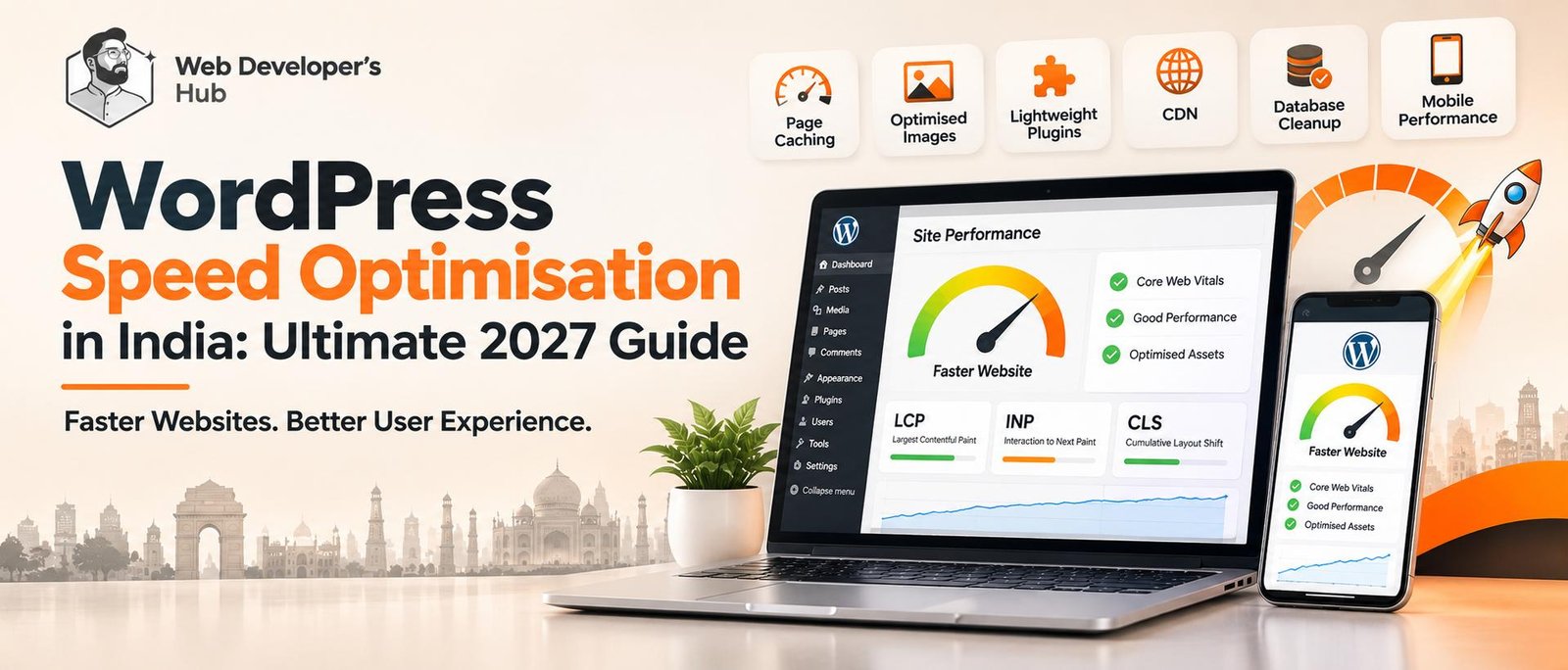
WordPress speed optimisation is not simply about installing a cache plugin or chasing a perfect PageSpeed score. For Indian businesses in 2027, it means identifying what is slowing a website down, fixing the underlying issues and keeping the site fast as content, integrations and customer journeys grow. A reliable WordPress speed optimisation process starts with measurement, prioritises real bottlenecks and verifies that the website still works after every change.
Why WordPress Speed Optimisation Matters for Indian Businesses in 2027
Your website is often the first detailed interaction a potential customer has with your business. A slow page creates friction at exactly the moment someone is deciding whether to trust you, explore your work or send an enquiry. This matters especially when visitors arrive from Google, social media, advertisements or local searches on mobile devices.
- Better user experience: visitors can reach important information without waiting through long loading screens.
- More completed enquiries: faster service pages and forms make it easier for interested visitors to contact you.
- Stronger technical SEO: performance supports a healthy user experience, although speed alone does not guarantee higher rankings.
- Lower resource waste: efficient pages can reduce unnecessary server requests, oversized downloads and avoidable hosting load.
- Better mobile usability: lightweight pages are particularly useful for visitors on variable mobile connections and less powerful devices.
What actually makes a WordPress website slow?
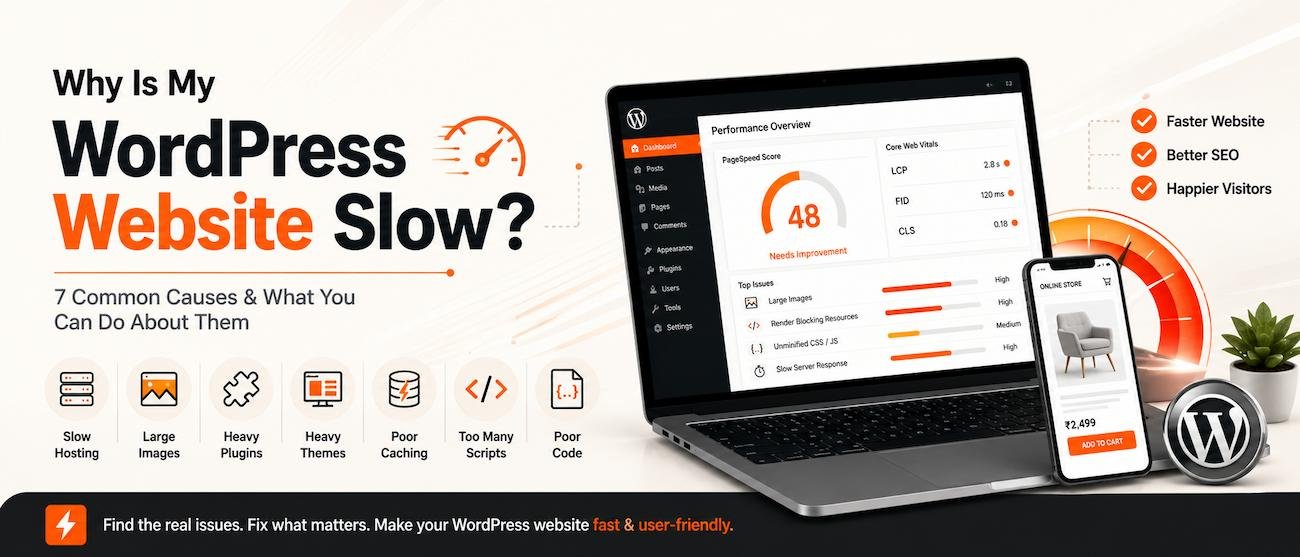
There is rarely one universal cause. Two WordPress websites can have the same hosting provider and completely different performance because their themes, plugins, images, scripts and page layouts are different. Effective WordPress speed optimisation starts with measuring the actual bottlenecks rather than guessing or installing several performance plugins. In 2027, check the complete user journey as well as the homepage: service pages, forms, search, account areas and WooCommerce checkout can all have different performance problems.
1. Heavy themes and page-builder output
Some themes and page builders load large stylesheets, scripts, animations and widgets even when a page does not need them. Excessive nested layouts and unused components can increase the amount of work a browser must do. A lean theme, purposeful components and clean front-end code can make a meaningful difference.
2. Too many plugins or overlapping features
Plugins are not automatically bad for performance. The problem is unnecessary, poorly maintained or overlapping functionality. For example, several plugins may each add their own pop-up, tracking script, icon library or optimisation layer. Review what each plugin does before removing it, and test the website after changes.
3. Unoptimised images and video
Large hero banners, portfolio images and background videos can dominate page weight. Uploading an image directly from a camera or design tool without resizing it is a common mistake. Use appropriately sized WebP or AVIF images where supported, compress them, specify image dimensions and lazy-load below-the-fold media. Do not lazy-load the main above-the-fold image if it is responsible for the page’s Largest Contentful Paint.
4. Slow hosting, database queries and server response
Low server resources, distant data centres, inefficient database queries and overloaded shared hosting can delay the first response. Caching can reduce repeated work, but it cannot fully compensate for an underpowered server or inefficient application code. Check server response time before assuming that a front-end plugin will solve everything.
5. Render-blocking CSS and JavaScript
Stylesheets and scripts can delay the point at which a page becomes visible or interactive. Unused CSS, scripts loaded on every page, third-party widgets and poorly configured defer or delay settings can all contribute. Optimisation should be selective: breaking a menu, form, slider or booking flow to reduce a score is not a real performance improvement.
WordPress Speed Optimisation Checklist for 2027
Use this 2027 WordPress speed optimisation checklist before and after making changes. Record the baseline so you can tell whether an optimisation actually helped. Test real page templates and important actions instead of relying on one homepage score.
- Test key page templates: measure the homepage, a service page, a blog post and any important landing page on both mobile and desktop.
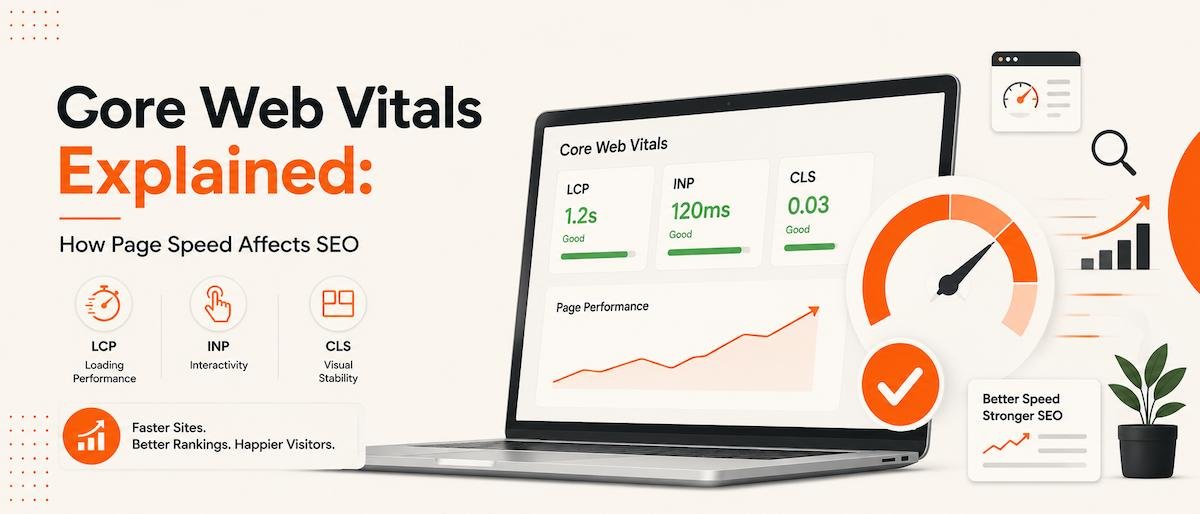
- Review Core Web Vitals: pay attention to Largest Contentful Paint (LCP), Interaction to Next Paint (INP) and Cumulative Layout Shift (CLS), not just one overall score.
- Optimise the first screen: resize and compress the hero image, prioritise its loading and avoid unnecessary sliders or heavy video backgrounds.
- Enable appropriate page caching: configure one suitable caching solution for the hosting environment and avoid running multiple overlapping cache or minification systems.
- Reduce unnecessary assets: remove unused plugin features, load scripts only where needed and reduce third-party requests that do not support a clear business goal.
- Improve fonts: limit font families and weights, use modern font formats and preload only the critical font files where appropriate.
- Check database and backend work: review autoloaded options, scheduled tasks, slow queries and bloated revisions when the evidence points to a backend issue.
- Use a CDN where it helps: a content delivery network can serve static assets closer to visitors, but it should be configured and tested correctly.
- Retest functionality: check navigation, forms, search, sliders, pop-ups, WooCommerce flows and logged-in areas after every significant optimisation.
- Monitor over time: repeat tests after major updates and review real-user data when enough traffic is available.
Core Web Vitals: the metrics worth understanding
Google’s Core Web Vitals help assess loading, responsiveness and visual stability. These remain important checks for WordPress speed optimisation in 2027. The metrics to understand are explained below. For the official definitions and thresholds, refer to Google’s Core Web Vitals guidance on web.dev and the Google Search documentation:
| Metric | What it measures | Good target |
|---|---|---|
| Largest Contentful Paint (LCP) | How quickly the main content appears | 2.5 seconds or less |
| Interaction to Next Paint (INP) | How quickly the page responds to interactions | 200 milliseconds or less |
| Cumulative Layout Shift (CLS) | Unexpected movement of page elements | 0.1 or less |
These thresholds are evaluated at the 75th percentile of page visits. A single Lighthouse or PageSpeed Insights test is useful for diagnosis, but it is not the same as field data from real visitors. Compare like with like: the same URL, device category and test conditions.
Which WordPress speed optimisation tools should you use?
The right tool depends on your hosting stack and the problem you are trying to solve. Avoid installing every performance plugin you find. Start with diagnostics, then choose the smallest set of tools that addresses the measured issues.
- Google PageSpeed Insights: combines lab diagnostics with available real-user Core Web Vitals data. Run a test on your own important pages before choosing what to optimise.
- Google Search Console: helps identify groups of URLs with Core Web Vitals issues.
- GTmetrix or WebPageTest: can help investigate waterfalls, asset size and loading behaviour.
- LiteSpeed Cache: can be effective on compatible LiteSpeed hosting when configured for that environment.
- WP Rocket: offers caching and front-end optimisation features for many WordPress setups.
- Image optimisation tools: can compress and deliver appropriately sized images, but check that they do not duplicate CDN or host-level image optimisation.
For a related troubleshooting walkthrough, read Why Is My WordPress Website Slow? 15 Causes & How to Fix Them. If you are unsure which metrics or fixes matter most for your site, send your website URL on WhatsApp for a discussion.
How much does WordPress speed optimisation cost in India?
There is no reliable one-price answer because the work can range from basic image and caching configuration to theme-level development, database investigation or a hosting migration. The cost depends on the number of templates, the condition of the existing website, plugin and theme complexity, e-commerce functionality and the performance target.
Before accepting a quote, ask for a short audit that identifies the main bottlenecks, the proposed fixes and how results will be measured. Confirm whether the scope includes mobile testing, backups, staging, functionality checks and a post-optimisation report. Be cautious of guarantees for a fixed PageSpeed score without first inspecting the website.
When should you hire a WordPress speed optimisation specialist?
If your website is slow across several page types, if previous plugin settings have caused layout or functionality problems, or if server response and custom code need investigation, a specialist can help you prioritise the work. This is especially useful for business websites where contact forms, service enquiries, portfolios or WooCommerce journeys must keep working.
A good WordPress speed optimisation process in 2027 should include a baseline report, a prioritised action plan, a backup or staging workflow, careful implementation and a comparison after the changes. The goal is not to remove every animation or plugin. It is to make the website faster while preserving its design, accessibility and business functionality. Recheck performance after theme, plugin, PHP or hosting changes, because updates can alter front-end assets and server behaviour.
Is your WordPress website still slow?
Get a practical review of your loading issues, Core Web Vitals and optimisation priorities—without compromising your website’s design or functionality.
If you are also planning a broader website improvement, explore our web design and development services and see how a lightweight, purpose-built WordPress website can support your business. You can also review our recent website projects or get in touch for a website performance review.
Frequently asked questions
What is WordPress speed optimisation?
WordPress speed optimisation is the process of improving how quickly and smoothly a WordPress website loads and responds. It can include image compression, caching, code and database improvements, hosting changes and reducing unnecessary scripts.
How can I check my WordPress website speed?
Start with Google PageSpeed Insights and test important pages on mobile and desktop. Review Core Web Vitals, loading diagnostics and available real-user data in Google Search Console. Use repeat tests under similar conditions to compare changes.
Does installing a cache plugin make a WordPress website fast?
A cache plugin can reduce repeated server work and improve delivery, but it cannot fix every issue. Oversized images, heavy themes, slow hosting, database problems and unnecessary scripts may still need separate attention.
How much does WordPress speed optimisation cost in India?
The cost depends on the website’s size, hosting, theme, plugins and the complexity of the issues. Request an audit and a clearly defined scope rather than relying on a fixed price or a guaranteed score before the website is assessed.
Will speed optimisation affect my website design or functionality?
It should not. A careful process uses backups or staging, tests important templates and checks forms, navigation, sliders, shopping flows and other features after changes. Avoid aggressive settings that improve a test score but break the live experience.